
Play Snake Online
Eat, grow, and dodge your tail
The home page is a live grid snake that starts facing right. Arrow keys or a swipe on the board turn the head. Each red dot adds one point and one segment; the next cell off the board, or a cell your body already fills, ends the run at once. The side panel switches speed, pauses, or starts over. One high score stays in this browser—no account and no install.
See which cells you already occupy
The snake starts across the middle, head to the right. Slow 12×12 begins at three segments; normal, fast, and turbo begin at four. Do not hug the wall on the first loop—check where the tail still sits before you chase the dot.
Each step the head enters a new cell and the tail vacates the last one, unless that step lands on food. After a bite the body grows, and a new red dot appears on an empty cell. Only one dot is on the board at a time.
You cannot reverse in the same tick. Right ignores an immediate left, and up ignores an immediate down. Turn sideways first, then fold back on the next step.
Pause freezes the board. Score and length stay put, and the button reads Resume. Open the speed menu when the pace is wrong: changing preset throws away the current run and starts that preset from the opening position.
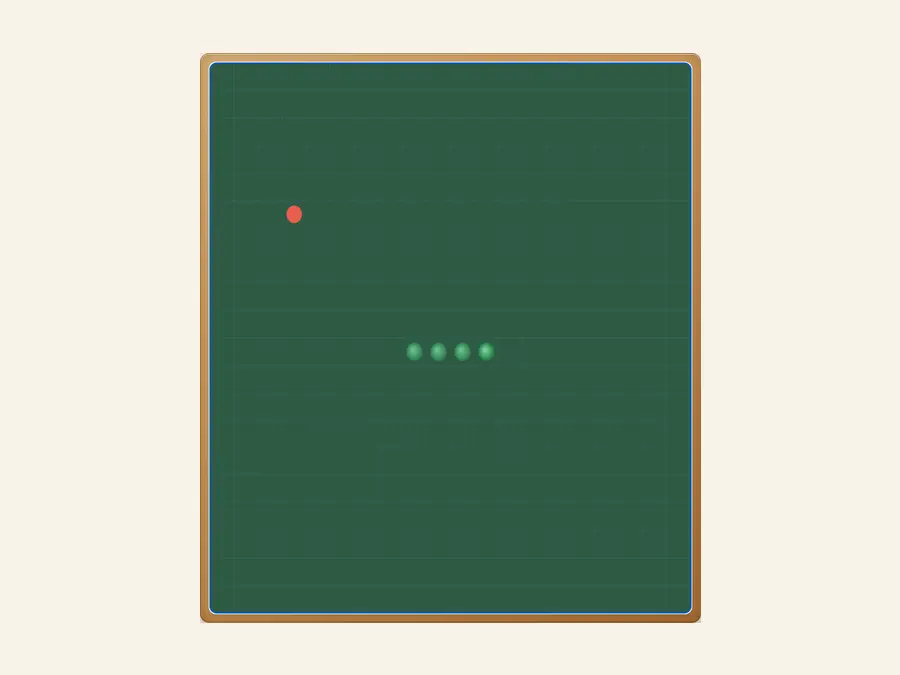
Finish a run without leaving home
The board, score, and length are on the first screen. The two header numbers match the side stats for the same run: one dot, one point, one extra segment. Game over covers the board; Play again restarts at the current speed without a reload. Sound stays off until you tap the speaker on the status card.
Speed and grid size travel together
Slow is 12×12 at about 0.22 seconds per step. Normal, the default, is 20×20 at about 0.16 seconds. Fast keeps 20×20 and shortens the gap to about 0.11 seconds. Turbo is 28×28 at about 0.075 seconds, which fills up fast once you grow. All four presets share one local high score.
One high score, this browser only
When a run ends above the number saved in this browser, Best updates. That number does not split by speed, and it does not follow you to another phone or another browser. Clearing site data or opening a private window blanks it. The privacy page covers access logs, not the path this snake took.
Fourspeed presets
Pauseanytime
Swipemobile play
Localhigh score
Common questions
How do I control the snake?
Arrow keys turn the head on a desktop. On a phone, swipe on the board in the direction you want. Eating the red dot grows the snake and adds a point. The next cell past the edge, or a cell that already holds your body, ends the run and offers another game.
Why did the opposite direction do nothing?
The snake cannot reverse on the same step. Left while moving right is ignored until you turn up or down first. If you tap two directions before the next tick, only the last legal turn is kept.
What do the four speeds change?
Slow is a 12×12 grid with the longest gap and a three-segment start. Normal and fast are both 20×20 with a four-segment start; fast ticks sooner. Turbo is 28×28 and the quickest. The page opens on normal. Any switch restarts immediately and drops the current score.
Does pause clear my score?
No. Pause only stops the automatic steps. The snake stays where it is, and the header score and length stay with it. Resume continues from that cell. After a crash, pause no longer applies—use Play again or New.
Is the high score stored per speed?
No. This browser keeps a single best. A slow-grid score and a turbo score compete for the same number. A refresh keeps it. Another device, another browser, or cleared site data does not.
Do I need an account or an app?
No account. Open the page and play a full run. Adding it to your home screen is optional and does not change steering, pause, or scoring.
